


Editor’s Note: To really keep your home and family safe, we recommend getting an ADT security system. You’ll get professional installation and 24/7 monitoring nationwide. Plus, all new systems come with a $100 Visa gift card that you can use to upgrade your system later down the line.
- Mapping out your security camera placement is a great way to get the most value out of your cameras.
- Installing cameras can be tricky, so take your time and do it right. Head to our step-by-step guide to security camera installation for more details.
- Strategic placement matters. When determining where to position your cameras, examine your property from an intruder’s perspective to identify vulnerable spots.
Finding the best home security cameras to buy is one thing; picking out the best spots to install them is another. After testing and installing over 150 different camera models in various conditions, we’ve developed a systematic approach to camera placement that maximizes coverage while minimizing blind spots. So, we’ve mastered the art of placing security cameras to get the most coverage and value out of your cameras. And today we’re sharing this knowledge with you.
Pro Tip: Most security cameras are designed for DIY installation. But ADT is a good option if you want a professional setup. Read our ADT home security review to find out why they have the best professional setup.
Smart camera placement goes beyond simply mounting devices. It requires understanding coverage zones, entry points, and potential vulnerabilities. We’ll cover everything from the four main areas you want security cameras to federal and state laws that might restrict your ability to put cameras wherever you want them. After, you’ll be ready to install your own security cameras just like the pros.
Where To Install Security Cameras
The first question to answer is, where should you install your security cameras? Here are some common areas to place your cameras:
- Ground-floor doors and windows: Most of the time, a burglar wants to enter your house the same way you do. And that’s through doors on the ground floor. Well, burglars enter through windows, too. This is why it’s important to have cameras on all of your doors and windows at ground level, both in your home and outside of it.
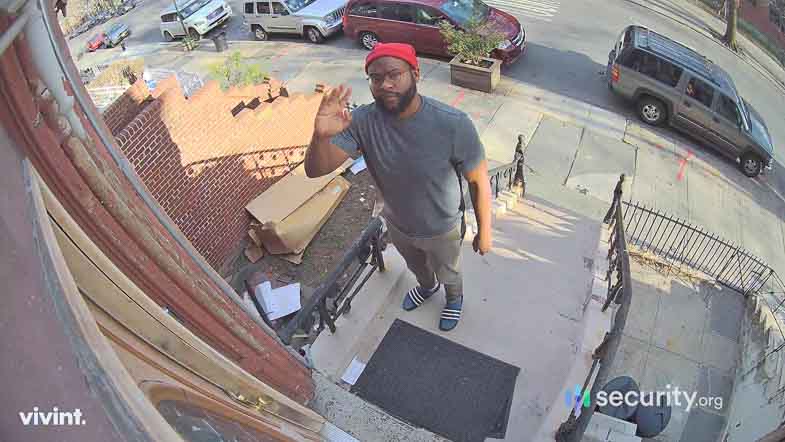
- Main stairs or hallway: Place a camera in any area where burglars would have to walk through to access most of your home. This is most likely a hallway on the first floor or a main stairway to the upstairs.
- Common areas: You may also want to secure areas that you use on a daily basis, like a living room or kitchen. This gives you eyes on the most trafficked areas of your home.
- Driveway: We recommend placing an outdoor camera so that it can watch over the entire length of your driveway. Motion-activated cameras in driveways can capture license plates and vehicle details, providing crucial evidence if needed.
FYI: Have you thought of using an indoor camera to monitor the outside of your home through a window? We recommend against that! Indoor cameras with PIR-sensitive motion detection don’t work through glass windows. So, make sure to use outdoor cameras for the outdoor areas of your home.
Optional Places to Install Security Cameras
There are a few more spots you should consider placing a security camera. But, these spots really depend on the layout of your home. So, here are a few of the places you should install cameras to fit the needs of your home:
- Yard: Secure both your front and back yard with outdoor cameras. Strategic yard coverage can detect suspicious activity before it reaches your home, with many modern cameras offering person detection to reduce false alerts from animals.
- Second Floor: Do you keep jewelry or other expensive items upstairs? We suggest using an indoor camera to secure your main second-floor hallway. This is a great way to get more video evidence if you ever need to help the police solve a break-in at your home. But, it still avoids the privacy concerns that come with placing cameras in bedrooms or bathrooms.
- Basement: You don’t need to monitor your basement as much as the ground level and outside of your home. However, basements with exterior access points or valuable storage deserve camera coverage, especially if they connect to attached garages.
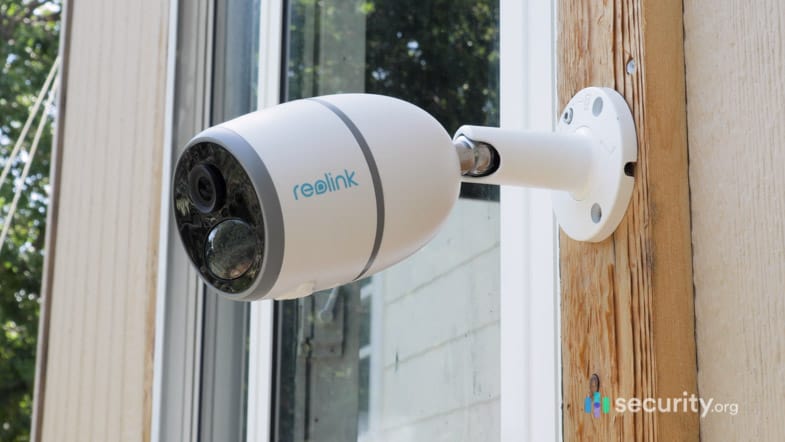
- Garages or detached buildings: You most likely keep your car in your garage. And we all know cars are valuable. If you store your tools in the same garage, that only adds to the value there. So, we suggest installing a camera in your garage to watch over these expensive items. You can always get a range extender or use a camera that doesn’t need Wi-Fi if your Wi-Fi can’t reach your garage. Check out our review of the Reolink GO for a camera that doesn’t require Wi-Fi.
Where Not To Place Security Cameras
There’s no doubt that security cameras are useful for monitoring your home. But there are some spots you just shouldn’t put them. Most of the time, this is due to legal and privacy concerns. Either way, here is our list of places you should not put cameras in your home:
- Neighbor’s property: Your state’s laws might ban you from using cameras that can see your neighbor’s yard or home. Make sure your security cameras can only see your home and not your neighbors’ home.
- Bedrooms: Although you may store valuables in your bedroom, it’s best to leave security cameras out for privacy reasons. Recent cybersecurity reports show that bedroom cameras are prime targets for hackers, who can exploit footage for blackmail or harassment.
- Bathrooms: The same goes for bathrooms. Installing cameras in bathrooms violates privacy expectations and may be illegal in many jurisdictions, regardless of who owns the property. And we’re sure your guests will appreciate it, too.
Other Factors to Consider
You need to think about more than just what rooms you want to put your cameras in. Here are other key factors to think about:
-
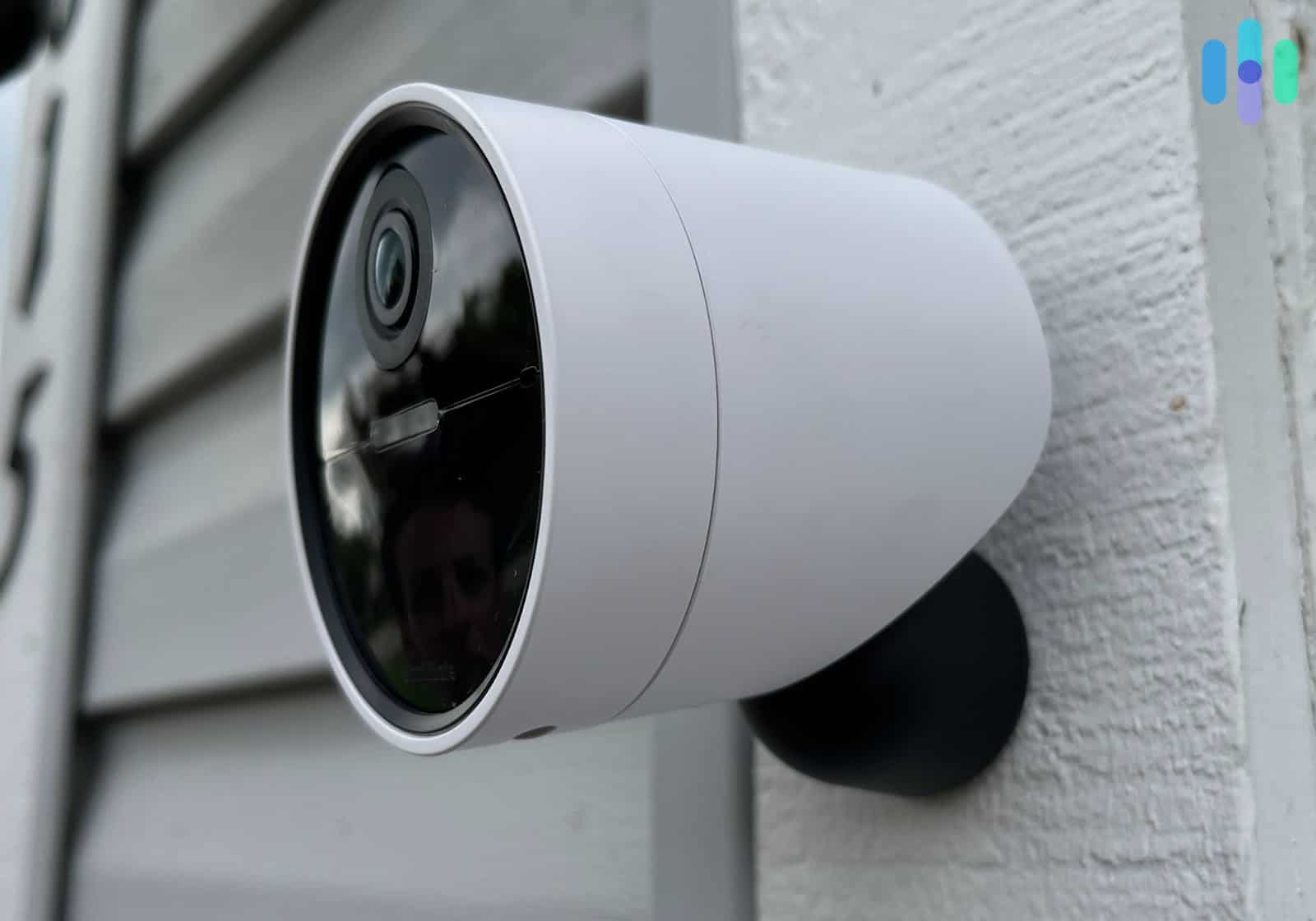
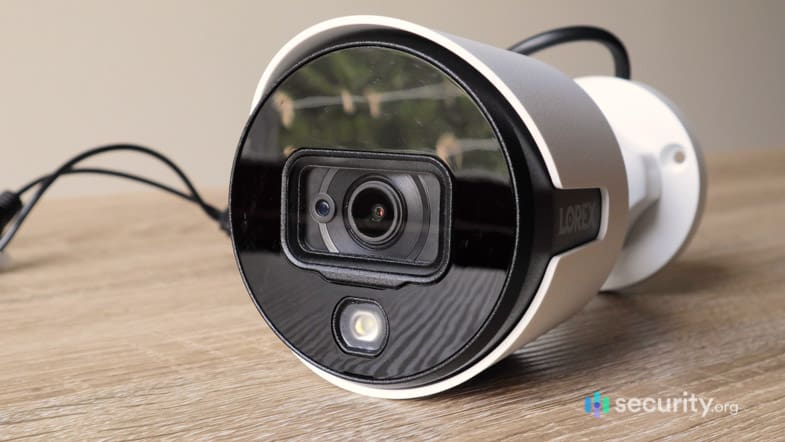
- Visible vs. hidden: There’s debate amongst security experts on whether or not you should hide your cameras or make them visible. We’re of the opinion that you should make outdoor cameras visible and hide indoor cameras. That way, you get the benefit of visible cameras deterring criminals before they break in,1 but still capture their crime on camera if they burglarize your home.
- Durability: Outdoor cameras need to be able to stand up to the weather. And most cameras don’t come with a cover which means they’ll get hit with rain, snow, and sleet. Look for cameras with at least an IP65 rating for weather resistance, though IP67 or higher provides better protection against extreme conditions. For a list of our most durable cameras, check out the best outdoor cameras of 2026.
- Reflection and glare: In sunny rooms, rooms with mirrors, or any space outside, take note of all the reflections and glares. These can really impede the quality of your cameras’ footage. For outdoor cameras, we suggest you get a camera with HDR or High Dynamic Range. This feature lowers the effect of glare from the sun. (Read our Arlo Pro 3 review or our Nest Cam IQ Outdoor to learn about some great outdoor cameras with HDR.)
- Total number of cameras: Each Wi-Fi camera typically uses 1 to 2 Mbps for standard definition and up to 5 Mbps for 4K streaming, so calculate your bandwidth needs before adding multiple cameras to avoid network congestion. You can also choose to get a second router just for your cameras. This keeps them from eating up all of your network speed (and trust us, your teenage kids will thank you, too).
- Proximity to valuable objects: Burglars target the most expensive items in your house. That’s why we always recommend prioritizing rooms with valuables when deciding where to place cameras. However, burglars consider an item valuable if it’s expensive and easy to sell. Think things like portable electronics, TVs, jewelry, expensive clothing, cash, and watches instead of antique furniture or heavy appliances.2
- Out of reach of criminals: Above all, try to place your cameras where a criminal can’t disable or tear them down. Mount cameras at least nine feet high and consider using tamper-resistant housing or protective cages in accessible areas. We have some tips on how to do that, which leads us to our next section……
Pro Tip: You have locks on the doors to your home, but why don’t you lock up your valuables? It may be best to store some items in a safe. It may also be worth it to put locks on closets or rooms with valuable items.
Tips for Placing and Using Security Cameras
In our years of testing all of the latest home security cameras, we’ve learned a lot of lessons. From dealing with spider webs triggering false alerts to cameras overheating in direct sunlight, we’ve encountered nearly every installation challenge imaginable. Another time, we just chose a bad placement for the camera with a ton of blind spots, essentially leaving our valuables up for grabs. We’ve even mounted cameras out of our Wi-Fi zone! Thankfully, you can learn from our mistakes.
Placing and Using Security Cameras
- Secure all points of entry: It’s crucial to put cameras on any place where burglars could gain access to your house. For most homes, this means all of the doors and windows on the ground level of your home. Yes, even the windows on the side of your house behind the bush!
- Monitor the inside and outside: Some people get so wrapped up in putting cameras in their homes that they forget to monitor the outside as well. Outdoor cameras equipped with motion-activated lighting can prevent crimes before they occur, serving as both a deterrent and detection system.
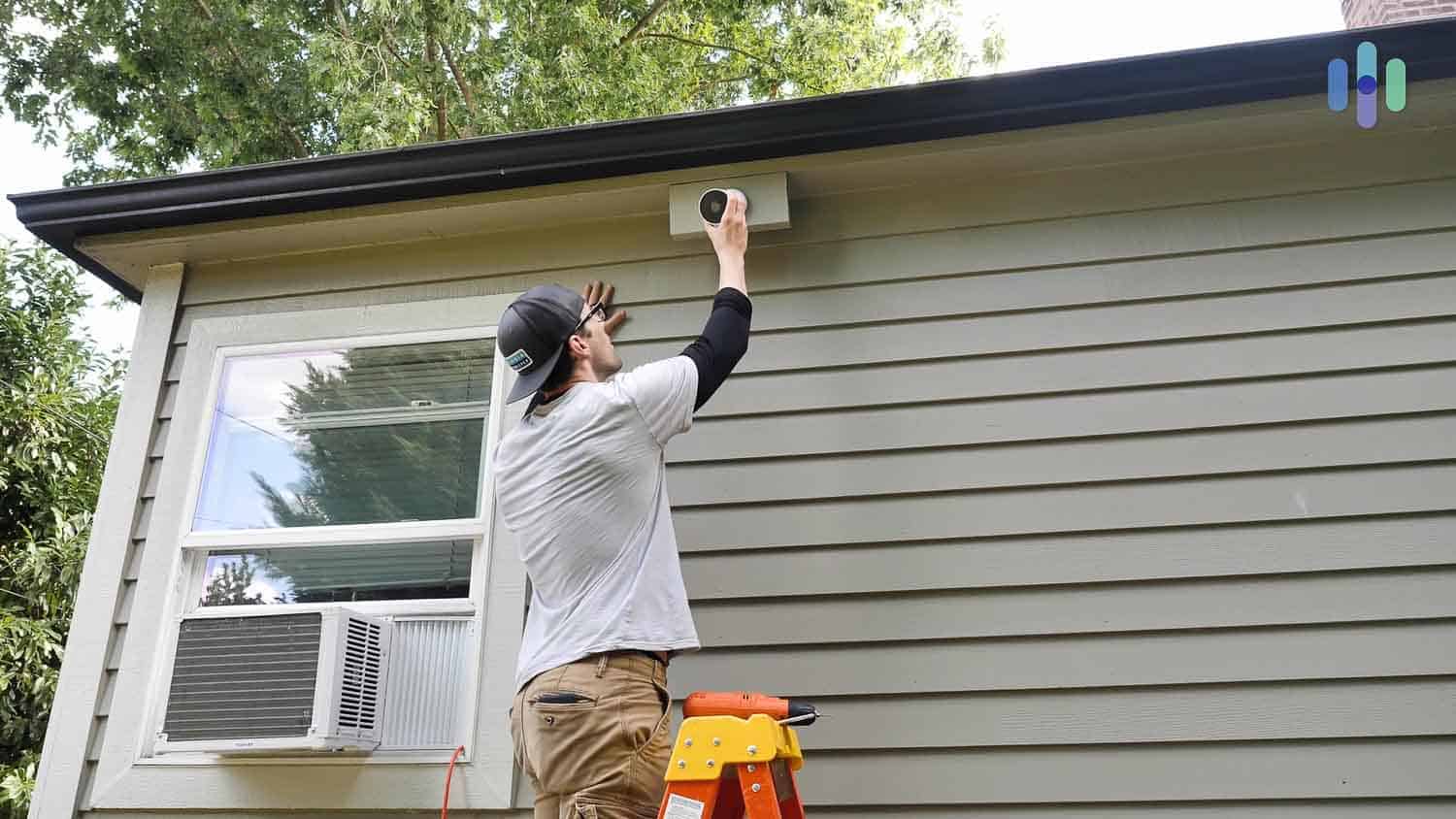
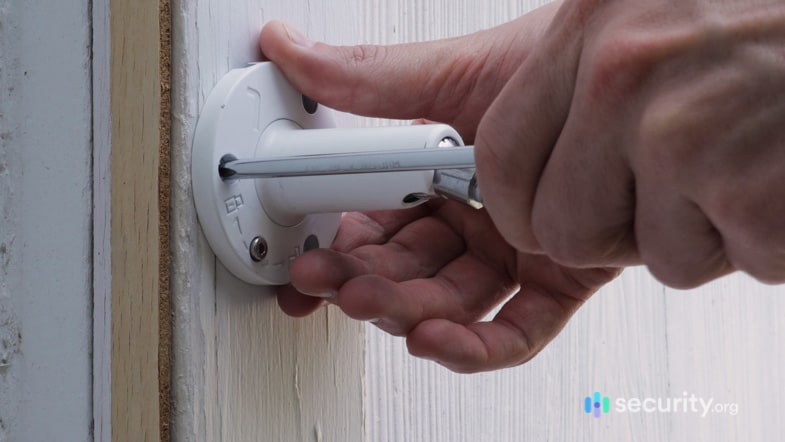
- Place cameras high: It’s important to place cameras eight to 10 feet off the ground for a couple of reasons. One, this lets your camera cover the most area in your room. And two, placing cameras high up makes them harder to disable or steal.
- Use outdoor lighting: We know you can get night time coverage with infrared cameras. But combining infrared with motion-activated LED lighting provides color night vision and can startle potential intruders, increasing your security effectiveness. We like to use smart lights around our home, but they can get pricey. Check out our guide to smart light pricing to see if they’re in your budget.
- Utilize corners indoors: An easy way to get your cameras to see an entire room is by using corners. Corner mounting at a 45-degree angle can provide up to 180-degree coverage with the right wide-angle lens, eliminating most blind spots in rectangular rooms.
- Look for indirect sunlight: Don't point cameras toward the sun. Rather, point them away from the sun so they still get indirect light while avoiding any glare. Position cameras facing north or under eaves to minimize sun exposure throughout the day, which also helps prevent lens degradation over time.
- Test cameras before mounting: We need to fess up. We've made this mistake more than a few times. Before you mount your camera, test it out to make sure it connects with your mobile app. Run a 24-hour test in the intended location to check for Wi-Fi connectivity issues, false motion alerts, and video quality during different lighting conditions.
- Eliminate blind spots: Just like you have blind spots when driving, most homes have blind spots that may be a bit harder to capture on camera. Use overlapping camera coverage zones where one camera's field of view begins where another's ends, creating redundant coverage for critical areas.
- Clean outdoor cameras: Schedule monthly cleaning for outdoor cameras, using microfiber cloths and lens cleaning solution to remove dust, pollen, and water spots that can degrade image quality by up to 30%. If you bought one of the best 4K security cameras on the market, you don’t want that high resolution to go to waste because some dirt or pollen got on the lens.
Should I Get My Security Cameras Professionally Installed?
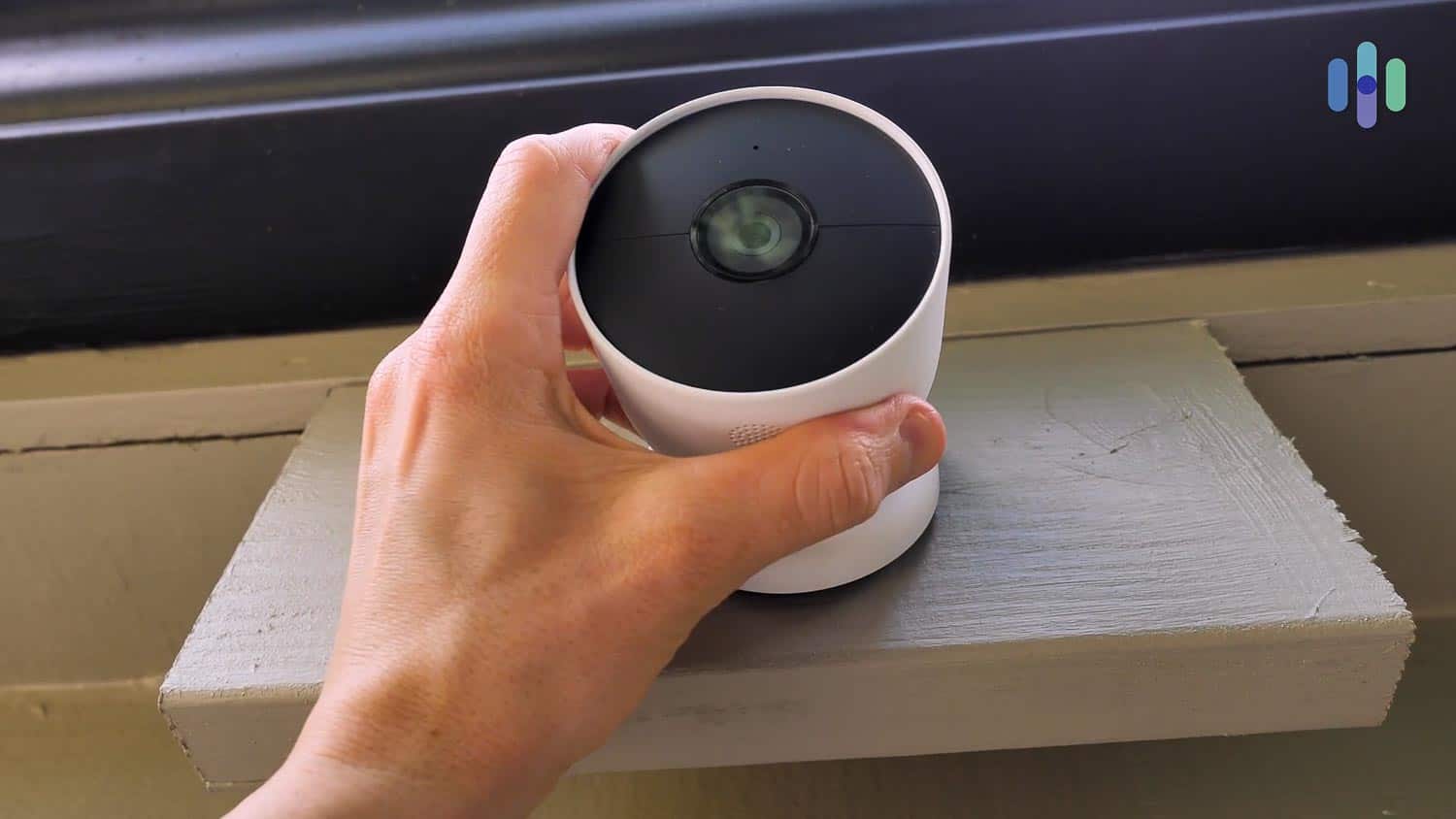
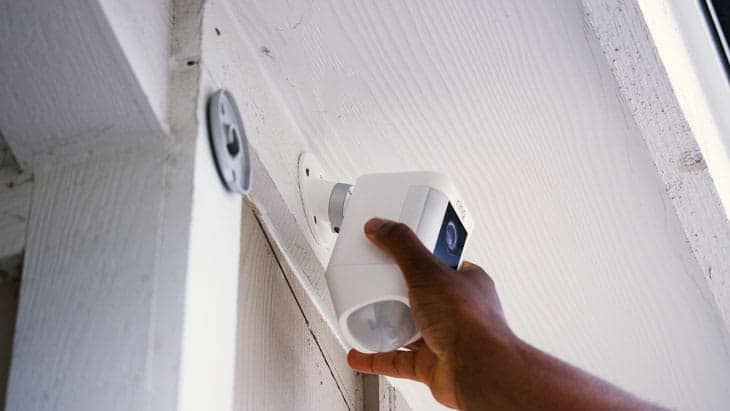
Most security cameras today are easy to install. They feature magnetic mounts with an adhesive strip or simple screw-in bracket that takes less than 15 minutes to set up. Many even offer clear step-by-step instructions directly in their app. However, some cameras, like Vivint, still require professional installation. That’s because their cameras use a hybrid wireless system that involves running wires through your walls. Check out our Vivint pricing page to see how much professional installation will cost you.
On the other hand, SimpliSafe and abode give you the choice between using their professional installers or doing a DIY install. Both of them use third-party installers though, so don’t expect the same service as ADT and Vivint offer. You can take a look at our pages on SimpliSafe’s costs and abode’s costs for more details.
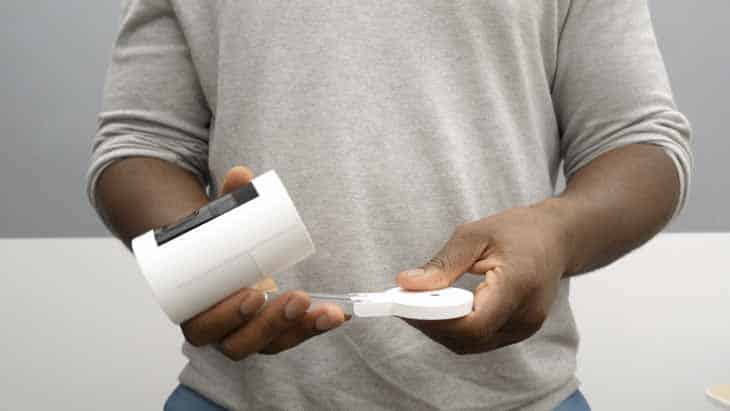
But for the most part, you can install your cameras on your own. We should note though that wired cameras are harder to install than wireless cameras. And even if the camera you want doesn’t give you the option of professional installation, you can always hire someone else to install it. Look at sites like HomeAdvisor or Angie’s List for reviews of people who can help you install your cameras. But we believe in you. You probably won’t have any problems getting your cameras installed all by yourself.
Security Camera Placement Laws
Our Chief Editor, Gabe Turner, is also an attorney. That makes him more than qualified to speak on the federal and state laws on the placement of security cameras. Here’s what we learned from him that we want to share with you:
Federal
Let’s take a trip down memory lane, right to your middle school U.S. history class. Remember the U.S. Constitution? Well, the Fourth Amendment, if you recall, says that people have a right to a reasonable expectation of privacy. This constitutional protection was further clarified in the landmark 2001 Supreme Court case Kyllo v. United States, which specifically addressed surveillance technology and privacy rights.
After careful deliberation, the court ruled that the home was protected under the Fourth Amendment. That means it’s illegal to surveil someone else’s property,3 even from a public location or another privately owned place.
So again, make sure you don’t point your cameras at other people’s houses!
Expert Insight: While you can’t surveil your neighbor’s home, it’s okay if a portion of their outdoor space is within view of your security camera as long as it’s not looking over a privacy fence. Basically, make sure the footage of your cameras clearly show that their main purpose is protecting your property and the law will be on your side.
State
Each state has its own set of laws that can keep you from placing your security cameras where you want them. So, we suggest that you look up your state’s statutes before placing any of your cameras. If the law isn’t your thing at all, you might want to talk to a lawyer as well. We also think you should check in with your city, district, or county and ask them about any laws that might change your camera plans.
Where Do Most Break-Ins Occur?
The most likely place for break-ins to occur depends on your specific home and situation. There are different statistics for apartments compared to houses and renters compared to homeowners. Even different states have significantly different burglary rates per The layout of your home also impacts which risks you face. That’s why we think it’s best to understand how burglars think, so you can tailor your security to your home’s vulnerabilities.
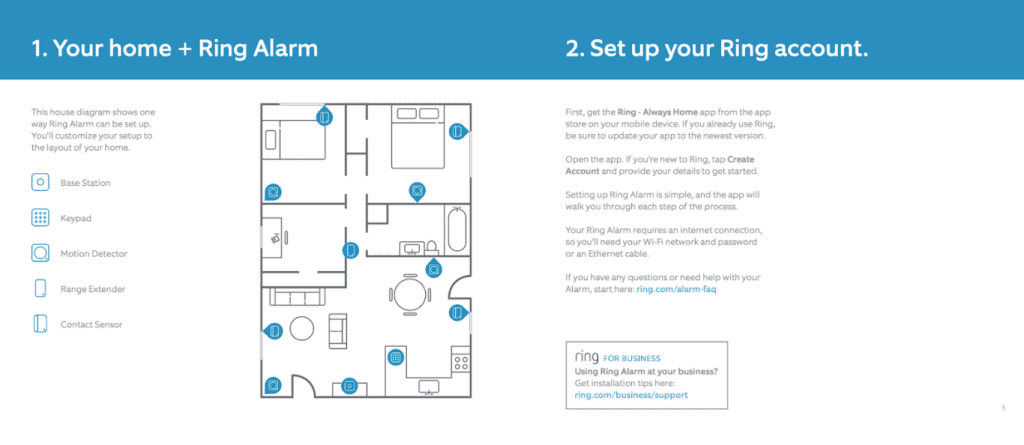
Behavioral patterns of burglars reveal consistent targeting strategies. First, we want to note that most burglars break in through an unlocked door or window. That means, locking up when you leave can help keep your home safe. Once they break in, most burglars start in the master bedroom. There, they look for valuables before they move on to the rest of the house. As far as which homes to break into in the first place, they tend to prefer homes with large fences, overgrown trees or bushes, cheap wooden doors, or old window frames.
Conclusion
As you can see, home security doesn’t just mean buying and installing a bunch of security cameras, although that does help. Effective home security combines strategic camera placement with basic preventive measures like proper lighting, maintaining landscaping, and securing entry points—creating multiple layers of protection for your property.
FAQs About Where to Place Home Security Cameras
-
Where’s the best place to put my home security camera?
Easily, the most important areas to cover with your home security cameras are all first floor doors and windows. These points of entry are what most intruders use to break into a home and cameras in these areas can catch them in the act or better yet, deter them from breaking in altogether.
-
Are there any places I should avoid putting a security camera?
Yes, there are a few places you should never put a security camera for your own privacy and the privacy of your guests. These areas include bathrooms, bedrooms, and any visibility on your neighbors’ property.
-
Do I need professional help to install my home security cameras?
As long as you follow the tips and tricks we covered in this article, you should be all set to install your own home security cameras. With that said, some companies like Vivint require professional installation.
-
Can I move my camera around after installing it?
For the most part, yes. If you have a DIY security system, you should be able to move your cameras around after installing them. Most wireless cameras use adhesive mounts or simple brackets that allow for repositioning, though you may need fresh adhesive strips or to patch small screw holes.
-
How many security cameras do I need?
For average-sized homes (1,500 to 2,500 square feet), we recommend starting with four to six cameras: two covering the front entrance and driveway, one for the backyard, one for the garage, and one or two indoor cameras for main living areas. Of course, you can always add more for a bigger home.